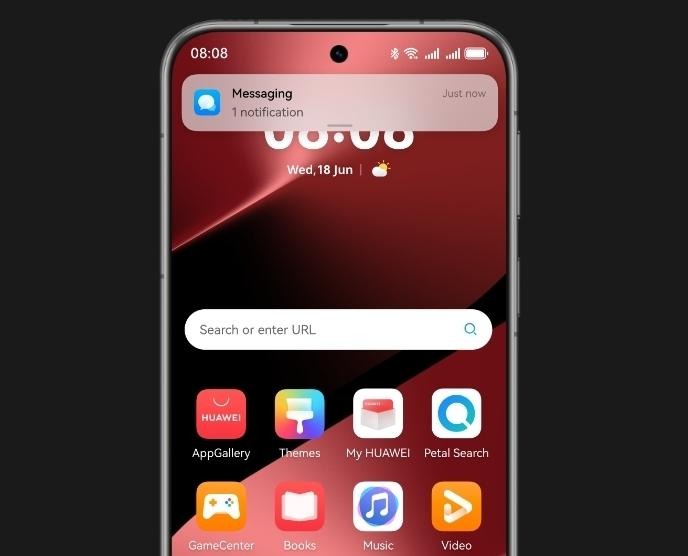
Mobile apps offer convenience, but they can also be a hidden threat to your privacy. Some apps collect data without consent, running background processes that track your location, record audio, or access your messages. These activities often go unnoticed, especially when users rush through permission prompts during installation. Malicious apps exploit this behavior, posing as useful tools while secretly spying. Even legitimate apps may overreach, gathering more data than necessary. Understanding how these threats operate and recognizing the signs can help users stay safe. It’s essential to learn how to spot potential risks and take steps to protect your personal information.
What Are the Warning Signs Your Phone Might Be Spied On?
Unusual Battery and Data Usage Patterns
Spy apps often run in the background constantly, which causes your battery to drain faster than normal. If you notice your phone overheating during light use or the battery depleting rapidly, something may be wrong. Likewise, unexplained spikes in data usage are red flags. These apps send collected data to third-party servers, increasing your data consumption. Check your phone’s battery and data usage stats to see which apps are most active. If you spot unknown or rarely used apps consuming high resources, it’s a strong sign of unauthorized activity that needs immediate attention to protect your privacy.
Strange Behavior or Performance Issues
Phones infected with spy apps often behave unpredictably. You might hear clicking noises during calls, experience frequent call drops, or notice apps opening by themselves. Sudden reboots, slow performance, or the screen lighting up for no reason are also suspicious signs. These performance issues result from malicious apps running covert operations in the background. Hackers may trigger remote commands that interfere with normal phone functions. Regular freezing or crashing of legitimate apps is another symptom. If your phone starts acting erratically without any new installations or updates, it could be an indication that surveillance software is operating behind the scenes.
Unknown Apps or Background Activity
Spyware often disguises itself with generic names or hides entirely from the app drawer. Finding unfamiliar apps installed on your device without your knowledge should raise concerns. Some spy apps use system-level permissions to mask their presence, but you may still spot them in device settings or battery usage logs. Background activity, like your phone sending or receiving data when idle, suggests hidden processes are running. You might also notice apps that reappear after being uninstalled. Regularly review installed applications and monitor background processes. If something appears suspicious or lacks a clear purpose, remove it or perform a thorough system scan.
How to Protect Yourself from Spy Apps?
Review and Revoke App Permissions
Every app asks for permissions, but not all requests are justified. Go into your device settings and check what permissions each app has. Look out for access to your microphone, camera, contacts, or location — especially if the app’s function doesn’t require them. Revoke permissions that seem unnecessary. Apps should only access features essential to their service. EMUI allows users to manage permissions manually. By doing this regularly, you reduce the chances of apps misusing your data. Take time to understand what each permission does and stay cautious of apps that ask for too many unnecessary privileges.
Use Trusted App Stores and Security Tools
Download apps only from reputable sources like HUAWEI AppGallery. These platforms screen for malicious software more rigorously than third-party sites. Avoid APKs from unknown websites, as they may contain hidden spyware. To add a layer of protection, install a mobile security app that scans for threats in real time. Many security tools detect spyware, warn you about risky apps, and help remove malicious files. Keeping your phone’s operating system updated also closes security holes. Avoid jailbreaking or rooting your phone unless absolutely necessary, as it removes built-in safeguards that help protect you from unauthorized surveillance.

Perform Regular Privacy Audits
Schedule a monthly check-up of your phone’s security and privacy settings. Start by reviewing installed apps and their permissions. Remove any that you don’t recognize or no longer use. Check battery and data usage for anomalies. Use built-in security features to track which apps access sensitive data. Turn off unused features like Bluetooth or location tracking when not needed. Back up important data before making major changes. Keeping tabs on how your device behaves helps catch problems early. Staying proactive makes it harder for malicious apps to spy without your knowledge.
Conclusion
Mobile apps can indeed spy on you, often without your awareness. From excessive permissions to hidden background processes, the risks are real. However, you don’t have to be a tech expert to defend yourself. Recognize the warning signs: battery drain, data spikes, strange behavior, and unknown apps. Take action by reviewing permissions, using trusted sources, and performing regular privacy audits. While researching topics like does Netflix work on huawei, it’s equally important to stay informed about app safety and data access. Privacy is a right, but protecting it takes effort. With consistent vigilance, you can use your phone safely and prevent unwanted surveillance from compromising your personal data.